Real-Time Routing & Sync
Click active sources on the left to change input routing protocols, or click speaker zones on the right to toggle room sync states.
Engineered for Hi-Fi Performance
SnapDog runs on Raspberry Pi hardware to drive dedicated audio DAC HATs, synchronizing high-fidelity audio streams across your home network with open integrations.
Multi-Room Synchronized Audio
Leverages the Snapcast protocol to distribute low-latency PCM streams to client nodes over standard Wi-Fi or Ethernet. Network drift is kept under 2ms for seamless synchronization.
Parametric Equalizer
Calibrate acoustics per zone using multi-band parametric EQ curves. Tune speakers to your room boundaries or load correction profiles from Spinorama database measurements.
Smart Home Integration
Publishes zone states and controls automatically to Home Assistant. Uses MQTT autodiscovery to expose clients as media players without custom configuration.
KNX Integration Modes
Supports both Group Address listening and native Device Mode. In Device Mode, you can import the snapdog.knxprod product database into ETS to configure the server directly.
Smart Buffer Caching
Dynamic client buffering prevents dropouts caused by Wi-Fi disruptions or local network latency spikes. Configurable pre-cache sizes ensure stable, continuous playback.
Native Receivers & Streaming
Every zone runs its own AirPlay and Spotify Connect receiver, streams libraries from Subsonic / Navidrome media servers, and tunes in internet radio — all decoded in pure Rust and fed straight into the Snapcast sync engine.
D-Bus Media Control
On Linux, every zone and client registers a standard MPRIS2 interface on D-Bus — so media keys, playerctl, lock screens, and desktop controllers can drive playback and read now-playing metadata natively.
Real-time Embedded OS
A custom, read-only Linux kernel system built for Raspberry Pi. Mounts in RAM to prevent SD card corruption, boots in under 4 seconds, and prioritizes low-jitter audio execution.
Control APIs
A full HTTP control surface with a built-in OpenAPI console, plus a real-time WebSocket feed that pushes state deltas — drive zones, clients, and playback without polling.
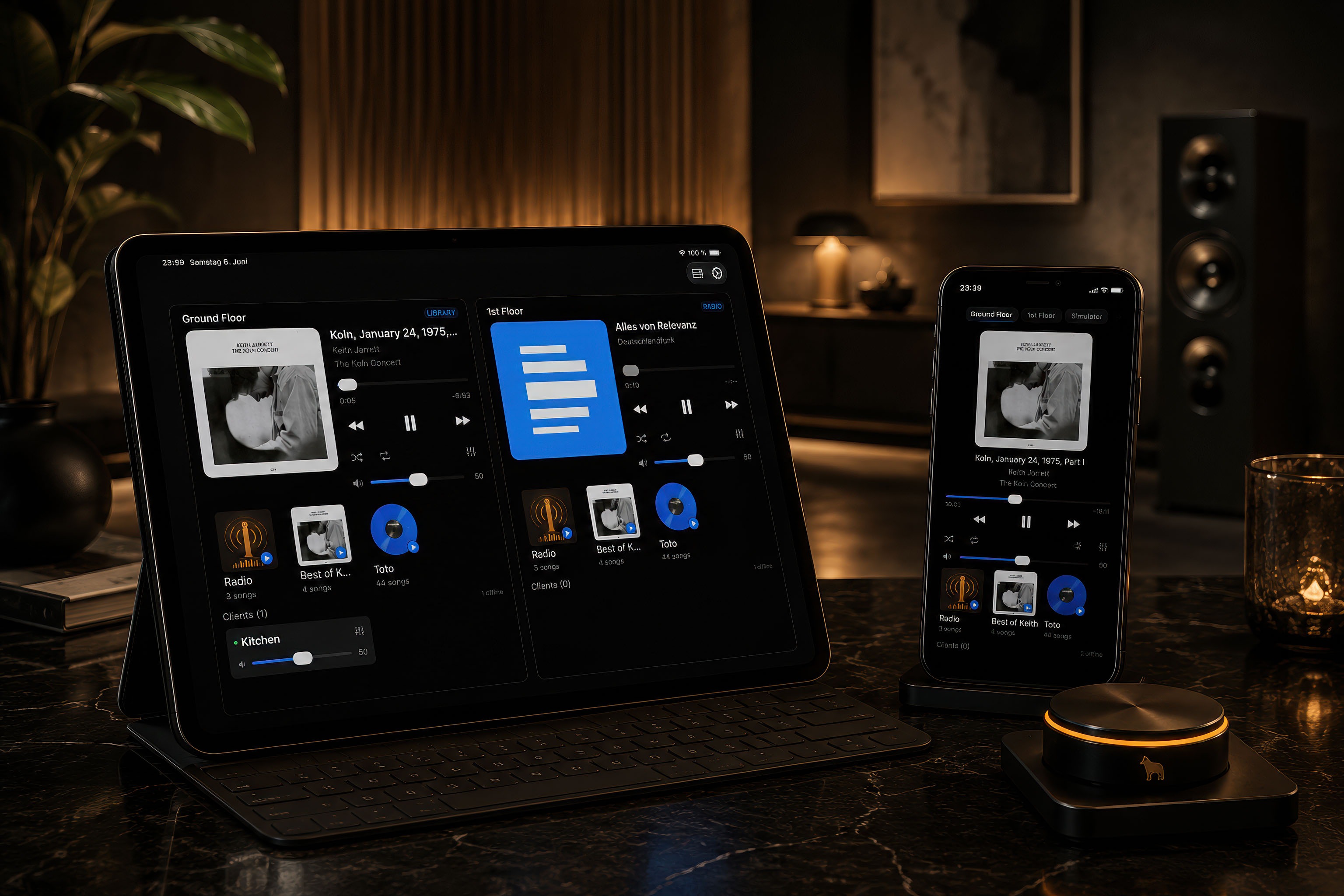
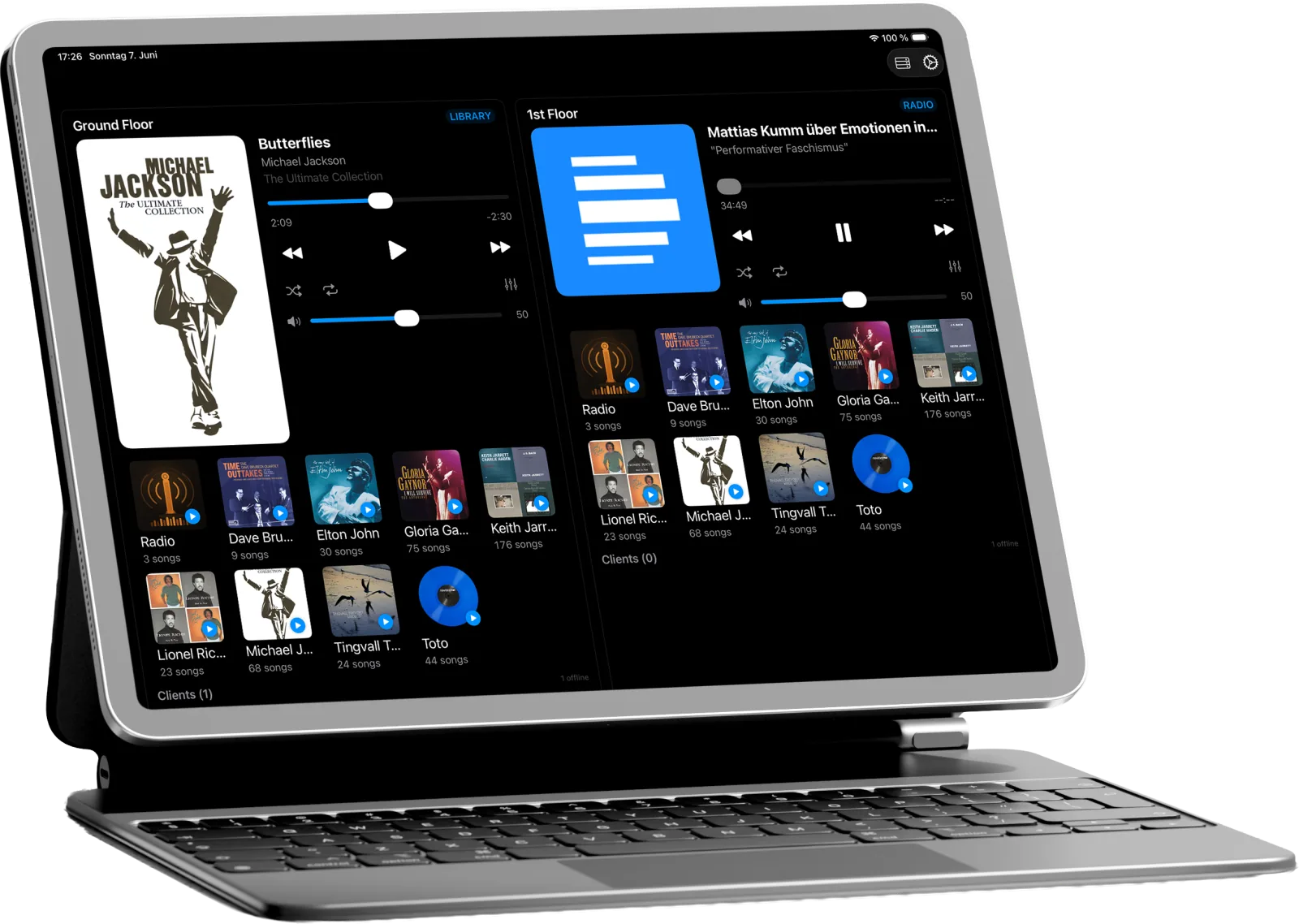
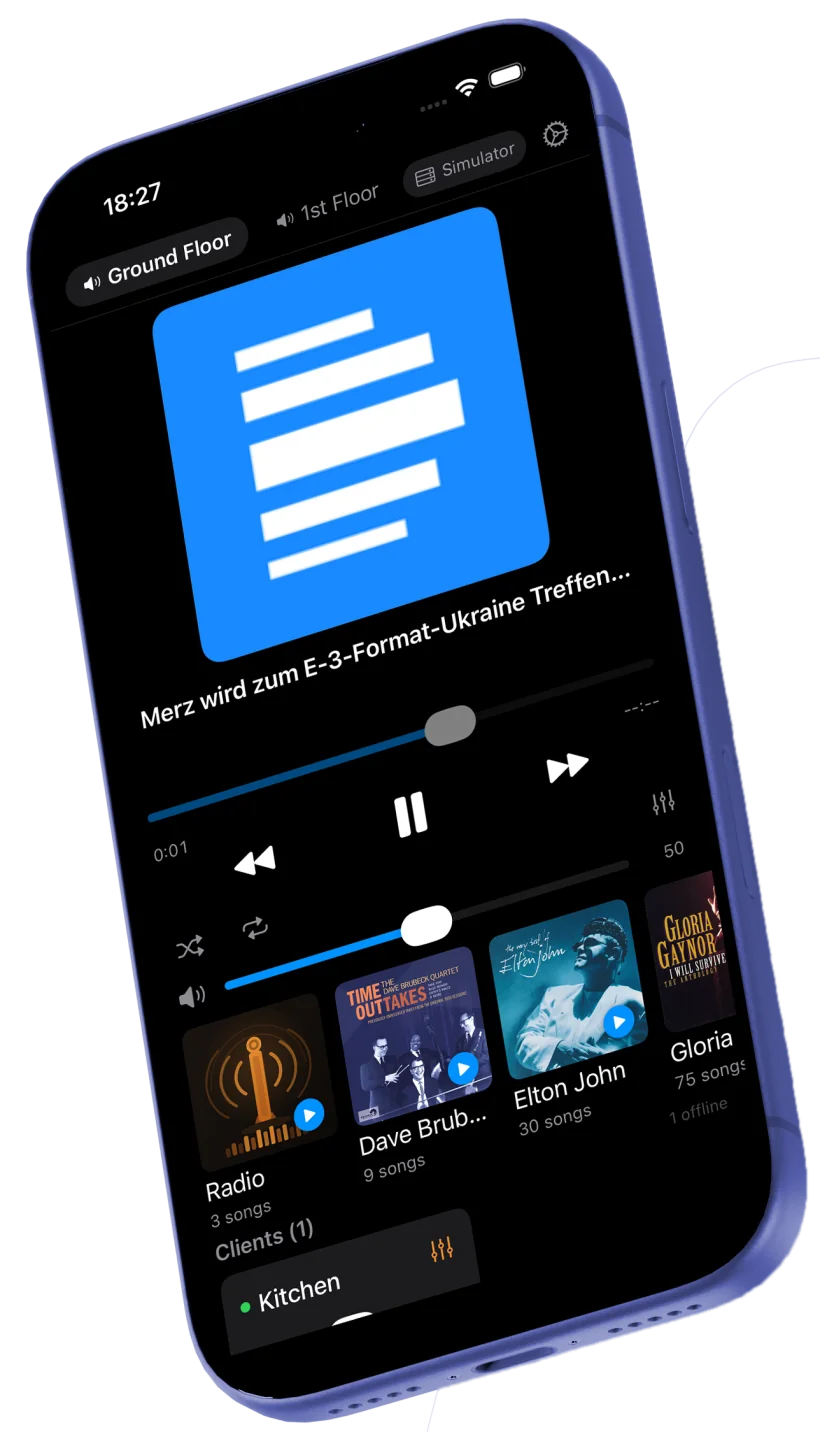
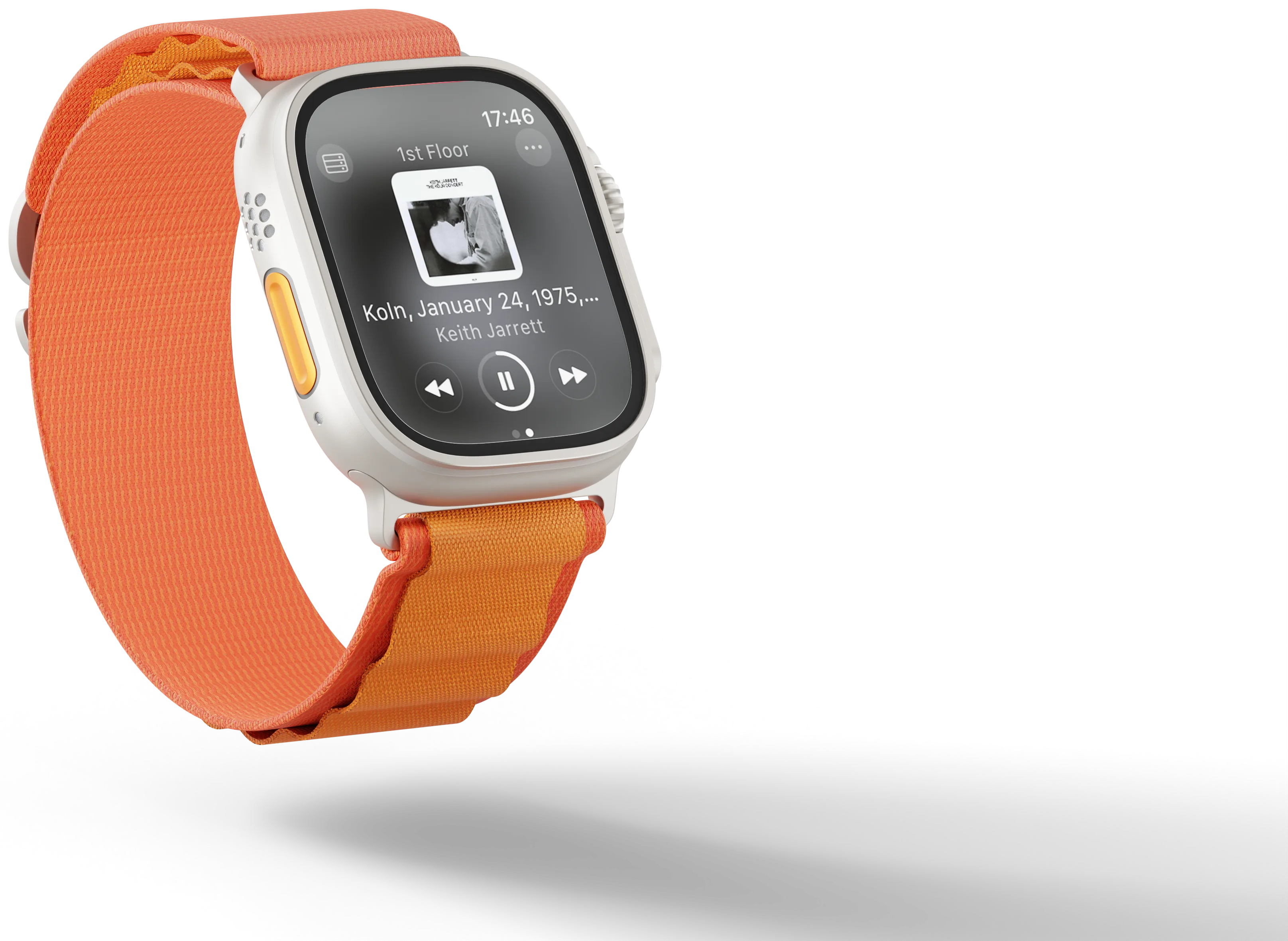
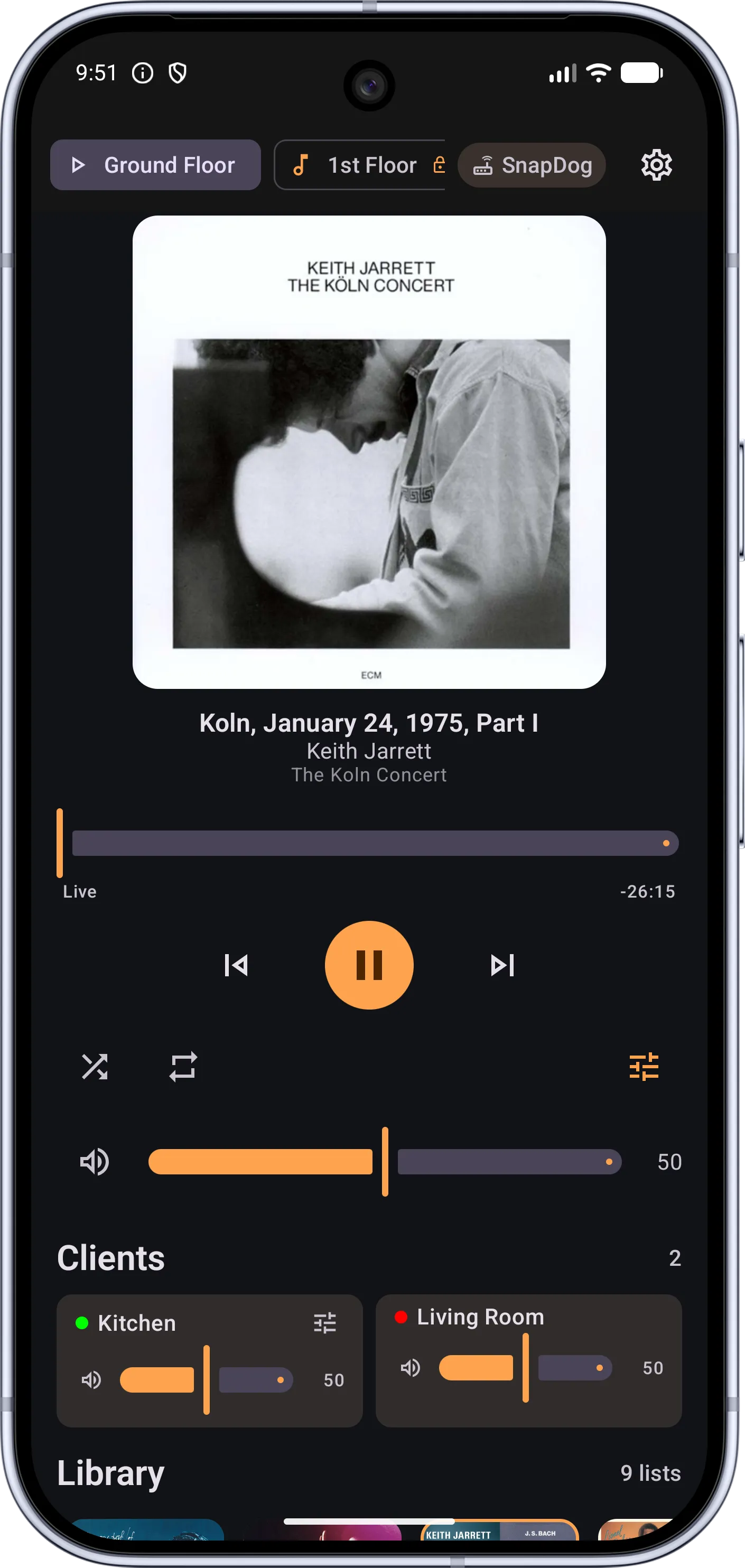
Native control across Mac, iPad, iPhone, Apple Watch, Vision Pro, and Android.
One codebase per platform, same full feature set everywhere: zone control, library browsing, radio, playlists, and multi-room audio.
All clients are currently in beta and not yet available on public app stores. Clients are not subject to open-source licenses.
Ready to integrate?
SnapDog is open source and runs on standard Raspberry Pi devices. Check out our comprehensive setup guides, hardware recommendations, and REST API documentation to get started.
Go to Documentation